Somewhere along the road
You no longer know where to go
Only the direction needed now, never the rest of the story.
Every game is a world worth taking slowly. A road is forgotten before the story ends; a locked door or someone you meant to revisit quietly falls behind. Navigator remembers the journey and offers direction only when you need it.
In supported games, find your way and the items you need, plan your gear and skills, and make sense of quests and story choices.
The prompt includes both the Windows and the macOS/Linux command; your AI tool picks the one for its computer.
Please install Game Navigator for me. On Windows, run in PowerShell: irm https://gamenavigator.raycraftlab.com/install.ps1 | iex ; on macOS or Linux, run: curl -fsSL https://gamenavigator.raycraftlab.com/install.sh | bashCopy it into Codex, Cursor, or Claude Code. After installation, Navigator is also available in new conversations in that AI tool.
New accounts can choose 3 games to try free for 5 days each, starting separately when you claim each game.
Install Game Navigator in your usual AI tool, open your game and ask your question. Whatever you're playing, Game Navigator will check the game first and guide you through getting started. If it isn't supported yet, you can ask for it to be added.
Not every pause deserves an entire walkthrough. Often you only need someone to understand this moment.
Only the direction needed now, never the rest of the story.
Bring together the people, places, causes, consequences, and mechanics in front of you. Translation appears naturally when needed, without overshadowing the story itself.
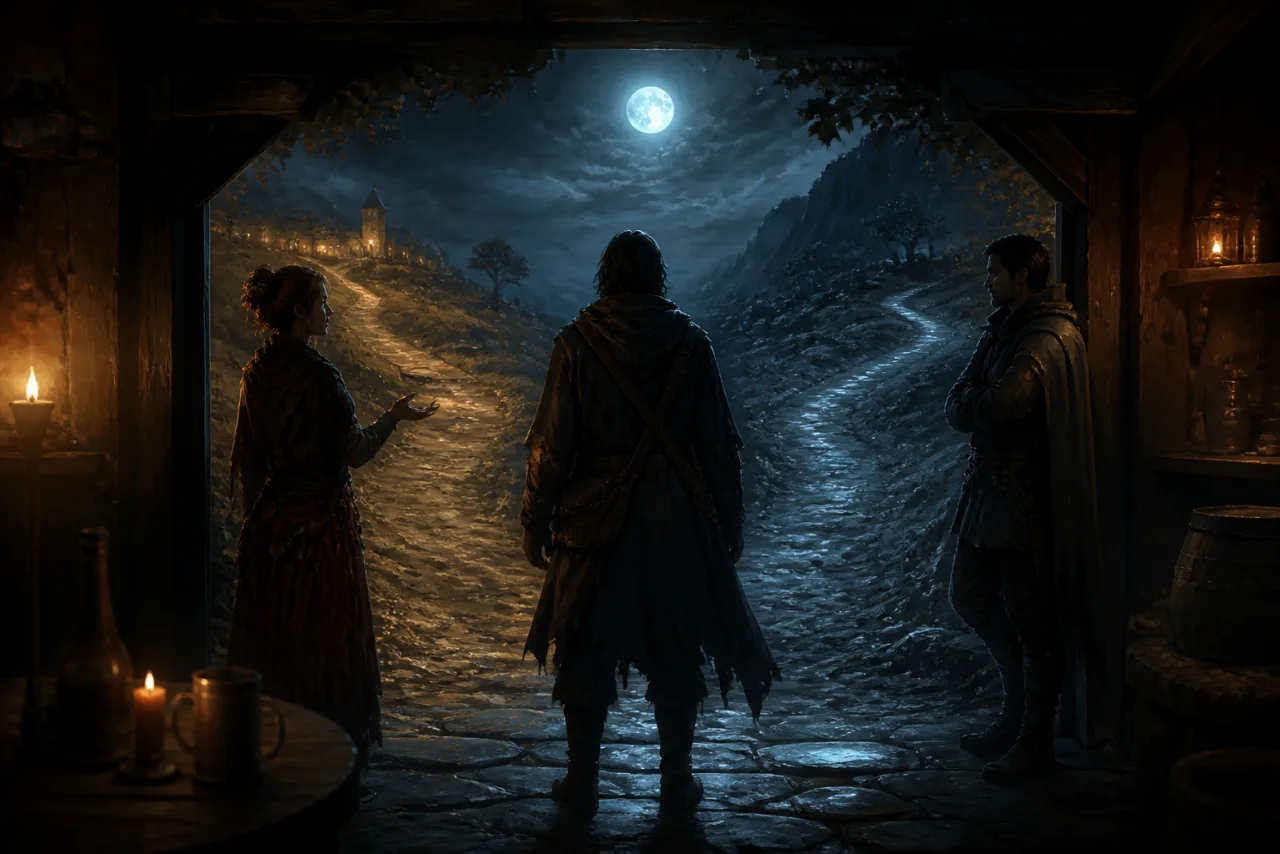
Understand positions, reversibility and possible costs; you choose the spoiler depth.
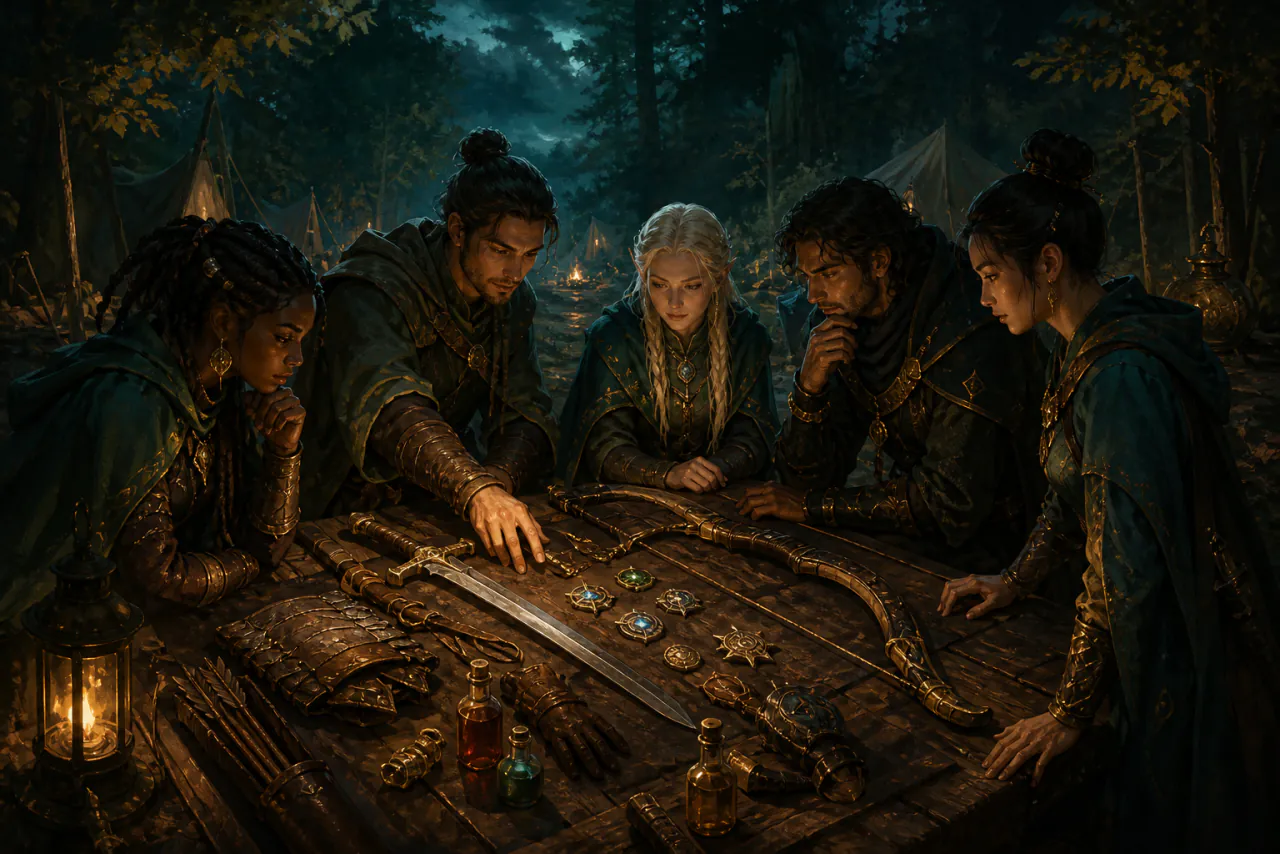
See what you carry and understand the real trade-offs of each build.
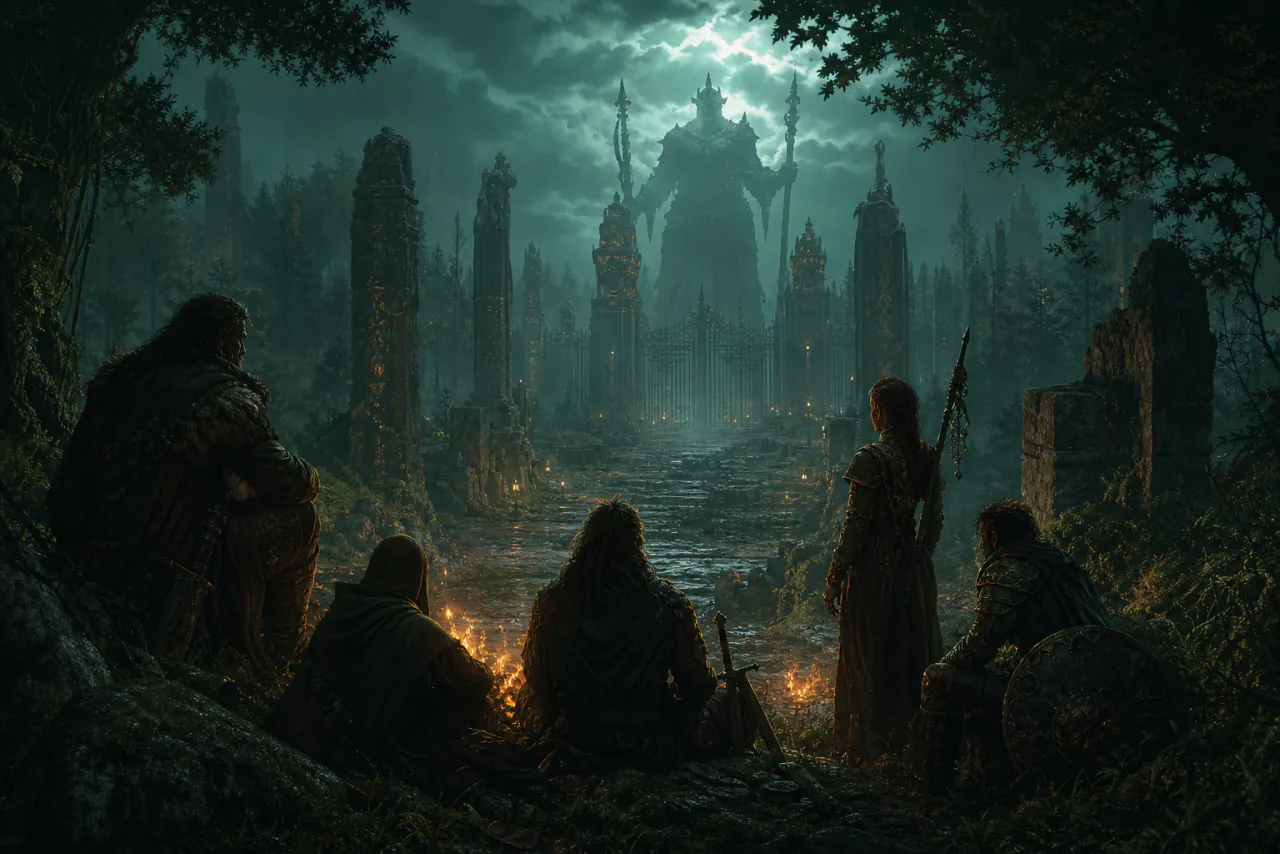
Find whether level, gear, or tactics are the problem while preserving the right challenge.
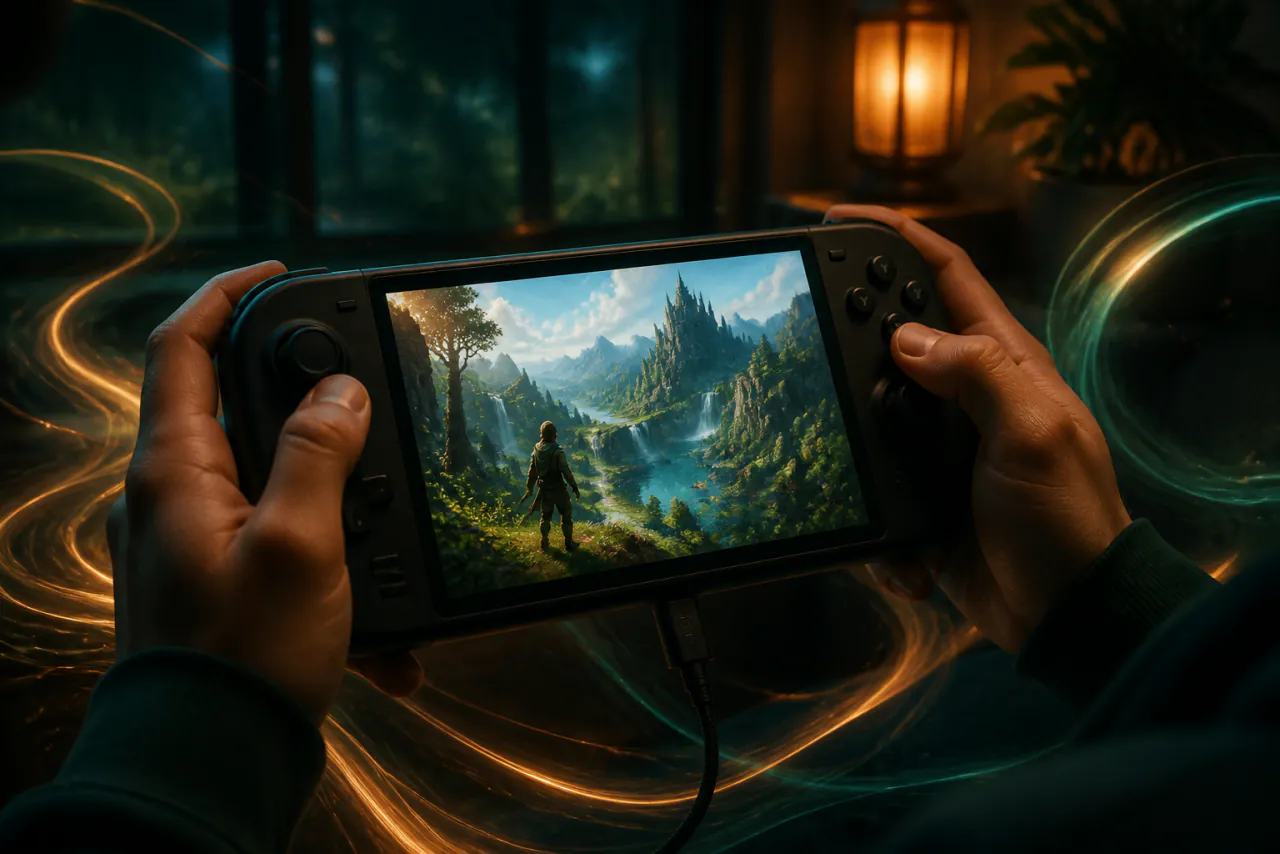
Find the best balance of image quality, smoothness and feel for this device.
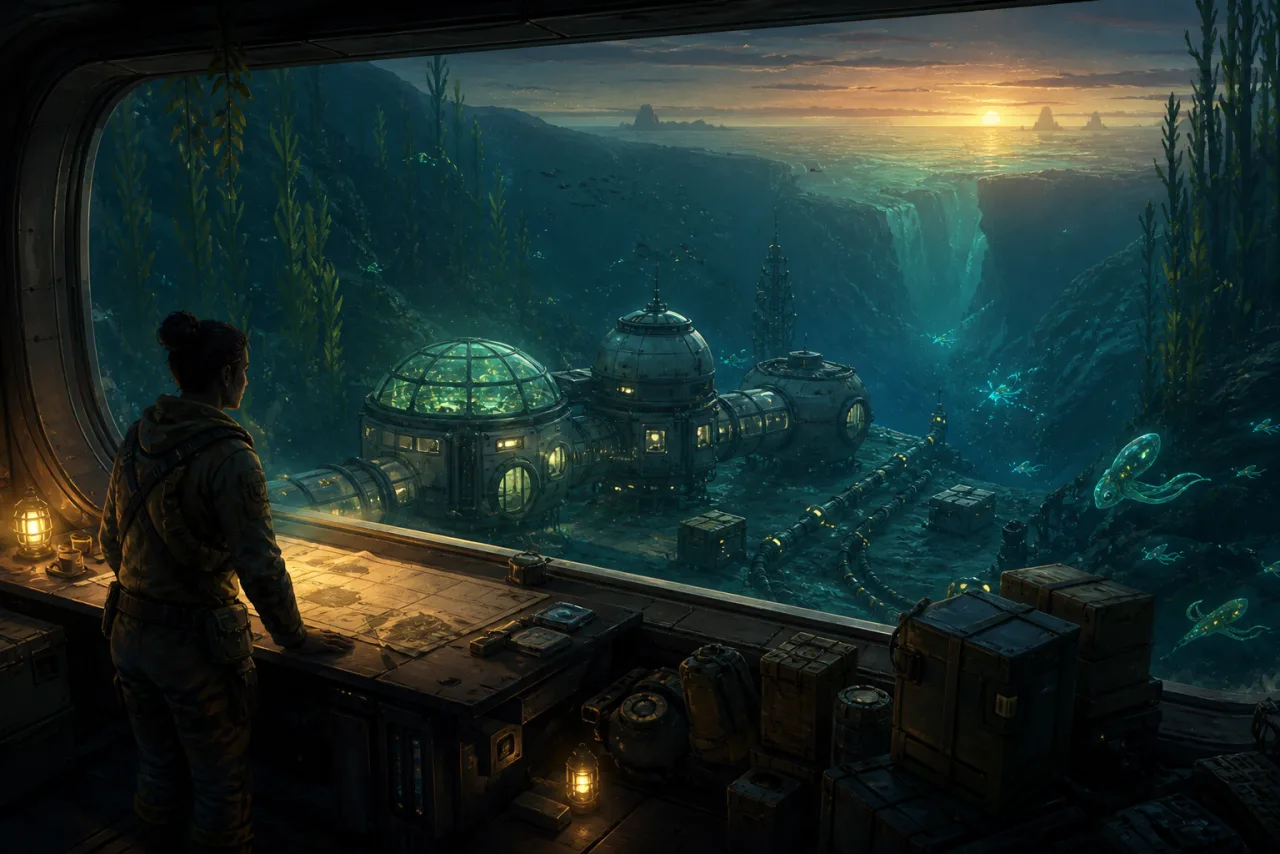
Use current materials, blueprints, power and goals to build a plan that actually works.
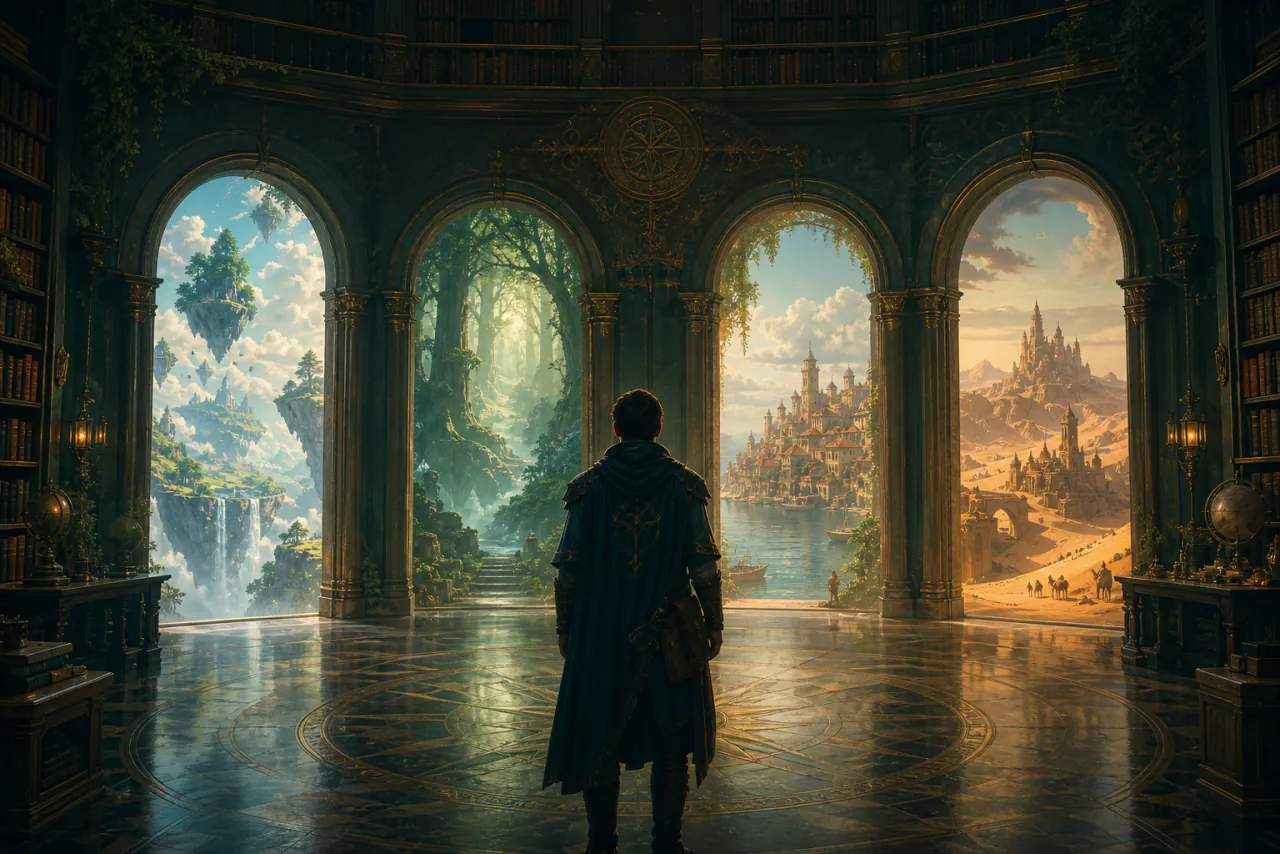
Choose together from your library, play history and current mood.
Every game is adapted and verified individually. Choose one to see how it can guide this journey first, then what Navigator can see today.
A reimagined skill tree opens new paths through a familiar journey.
The search for Ciri runs through war, monsters and human loyalties. Sometimes the hardest part is living with a choice, not defeating a beast. A reimagined skill tree brings fresh combinations of swordplay, Signs and alchemy—and new reasons to walk the witcher's path again.
Follow Geralt into a Continent with no easy answers
Follow the journal and map clues to find your next step on the witcher's path.
Check missing recipe ingredients and room in your bags before setting out.
Weigh silver-sword effects, new skill conditions and alchemy preparations for the contract ahead.
A contract is about more than monsters. Read the dialogue together and weigh Geralt's response.
Current screens, saved checkpoints and still-unknown details are kept clearly separate.
the scene, quest journal, and map clues on screen
gold and carry weight shown on screen
visual settings and actual smoothness
saved level, available skill points, and experience; the new skill tree and gear from their screens
the journal's current objective; saves are not the active quest
visible Witcher Senses hints; combat is not continuously tracked
Travelers rewrite one another’s road. You do not have to remember every fork yourself.
A hometown lights its lamps again from the ashes, while travelers set out from wounds of their own. As the party grows and stories cross, Game Navigator helps make sense of what the road has given you and rebuild the world beside you.
Travelers rise from their wounds as a hometown rises from ash
A saved party and its equipment can be prepared. After you agree to install the optional live reading, a party and equipment that are not saved yet are visible too.
The choices on screen can be read together with the journey already remembered.
The next step can follow the quest in the save.
Items you already have can be read from the save.
Current screens, saved checkpoints and still-unknown details are kept clearly separate.
equipment and item counts come from the save. After that agreement, changes you just bought or used and have not saved are visible too
resolution, graphics, frame rate, and power behavior
levels, jobs, and job points come from the save. After you agree to install the optional live reading, an unsaved party is visible too
saved quest progress and recruited travelers
enemies, turn order, buffs, and debuffs on the current screen
current town, dialogue, quest prompts, and menus
Companions, oaths, and the fight in front of you push the story on together.
A mind flayer parasite binds together people who were never meant to travel as one. Desire, trust and consequence turn every road into a choice; Game Navigator helps you understand your companions while the adventure remains yours.
An adventure written by companions, desire, trust and consequence
party roles and spell combinations — we fit characters, skills, and equipment to the current stage and make every build trade-off clear.
check risks and difficult encounters — we separate build, resource, and execution problems while preserving the right amount of challenge.
companion positions and quest branches — we compare positions, costs, and reversibility while leaving the final decision to you.
map objectives and unfinished side quests — we connect the current goal with unfinished clues and give only the next step, without premature spoilers.
Current screens, saved checkpoints and still-unknown details are kept clearly separate.
character levels, classes, spells, and party setup
equipment, items, gold, and camp resources
quest log, map position, and story branches
current dialogue, check results, and quest screens
resolution, graphics, frame rate, and frame time
initiative order, combatant states, and combat log
When this run ends, the next build is still there.
Night begins again and again, yet never from the same place. Every defeat leaves resources, understanding and another possibility; Game Navigator helps Melinoë turn those small changes into the next run toward victory.
Night begins again, each time closer to fate
nightly resources and permanent growth — we prioritize buying, crafting, upgrading, and saving resources so repeated work stays to a minimum.
weapon aspects and boon synergies — we fit characters, skills, and equipment to the current stage and make every build trade-off clear.
region routes and the next guardian — we separate build, resource, and execution problems while preserving the right amount of challenge.
boss rhythms and survival choices — we compare positions, costs, and reversibility while leaving the final decision to you.
Current screens, saved checkpoints and still-unknown details are kept clearly separate.
resources, materials, currency, and hub upgrades
unlocked regions, nightly progress, and permanent growth
weapon aspect, boons, keepsake, and arcana setup
current region, room reward, and boon choices
resolution, graphics, frame rate, and frame time
enemy composition, health state, and room combat
Say this line, and the people who come after are no longer the same.
Three android lives meet through choices that seem brief but echo far ahead. No route can define what becoming human means for you; Game Navigator clarifies positions and costs, then leaves the final decision in your hands.
Three lives converge through choices that ask what it means to be human
the positions of Connor, Kara, and Markus — we compare positions, costs, and reversibility while leaving the final decision to you.
character motives and scene details — we explain the people, terms, and mechanics without letting translation interrupt the story.
flowchart branches and missed paths — we connect the current goal with unfinished clues and give only the next step, without premature spoilers.
relationship states and preparation for what follows — we fit characters, skills, and equipment to the current stage and make every build trade-off clear.
Current screens, saved checkpoints and still-unknown details are kept clearly separate.
chapter flowchart, visited branches, and character checkpoints
current dialogue, scene clues, QTEs, and countdowns
resolution, graphics, frame rate, and frame time
current threat, chase state, and timed choices
relationships, survival states, and known conditions
Swipe to see more worlds.
“A face… a fleet… a war… a man… a thought… a trick!”Not Odysseus' homecoming, but an odyssey across the Aegean in search of blood, belonging and fate. Game Navigator helps you see each choice clearly, then leaves it in your hands.
An Aegean journey through blood, belonging and fate
island quests and unfinished clues — we connect the current goal with unfinished clues and give only the next step, without premature spoilers.
mercenary tiers and formidable enemy patterns — we separate build, resource, and execution problems while preserving the right amount of challenge.
weapons, engravings, and ability combinations — we fit characters, skills, and equipment to the current stage and make every build trade-off clear.
family ties and faction loyalties — we compare positions, costs, and reversibility while leaving the final decision to you.
Current screens, saved checkpoints and still-unknown details are kept clearly separate.
resolution, visual settings, frame rate, and power behavior
visible enemies, health state, and combat prompts
equipment, materials, currency, and upgrade resources
level, skill setup, and weapon engravings
current dialogue, quest prompts, and map markers
completed quests, region progress, and story checkpoints
A mind flayer parasite binds together people who were never meant to travel as one. Desire, trust and consequence turn every road into a choice; Game Navigator helps you understand your companions while the adventure remains yours.
An adventure written by companions, desire, trust and consequence
party roles and spell combinations — we fit characters, skills, and equipment to the current stage and make every build trade-off clear.
check risks and difficult encounters — we separate build, resource, and execution problems while preserving the right amount of challenge.
companion positions and quest branches — we compare positions, costs, and reversibility while leaving the final decision to you.
map objectives and unfinished side quests — we connect the current goal with unfinished clues and give only the next step, without premature spoilers.
Current screens, saved checkpoints and still-unknown details are kept clearly separate.
character levels, classes, spells, and party setup
equipment, items, gold, and camp resources
quest log, map position, and story branches
current dialogue, check results, and quest screens
resolution, graphics, frame rate, and frame time
initiative order, combatant states, and combat log
The Golden Order is shattered, and the Lands Between will not tell a Tarnished where to go. Grace, ruins and impossible foes are clues; Game Navigator helps assemble them, but the Elden Ring remains yours to reach.
Find your own road through a shattered Golden Order
weapons, skills, and attribute points — we fit characters, skills, and equipment to the current stage and make every build trade-off clear.
Guidance of Grace and ruin forks — we connect the current goal with unfinished clues and give only the next step, without premature spoilers.
boss patterns and safe openings — we separate build, resource, and execution problems while preserving the right amount of challenge.
runes, smithing stones, and consumables — we prioritize buying, crafting, upgrading, and saving resources so repeated work stays to a minimum.
Current screens, saved checkpoints and still-unknown details are kept clearly separate.
level, attributes, weapons, armor, and talismans
runes, smithing stones, consumables, and upgrade materials
target enemy, status effects, and visible attack patterns
resolution, graphics, frame rate, and frame time
current region, Guidance of Grace, and screen prompts
known Sites of Grace, map fragments, and exploration checkpoints
A name has endured for a thousand years; its truth lies scattered among mountains, spirits and monsters. Game Navigator helps the Destined One read spells, relics and hard fights, while every choice remains your own.
Retrace a legend and seek the truth among mountains and yaoguai
Keeper’s Shrine routes and missed chiefs — we connect the current goal with unfinished clues and give only the next step, without premature spoilers.
Yaoguai King patterns and openings — we separate build, resource, and execution problems while preserving the right amount of challenge.
character lore and chapter clues — we explain the people, terms, and mechanics without letting translation interrupt the story.
spells, spirits, and talent combinations — we fit characters, skills, and equipment to the current stage and make every build trade-off clear.
Current screens, saved checkpoints and still-unknown details are kept clearly separate.
currency, item counts, and equipment lists (names being verified)
resolution, upscaling, frame generation, frame rate, and power
level plus equipment, spirit, spell-slot, and talent lists (names being verified)
current chapter, shrine region, and screen prompts
current yaoguai, status effects, and visible attack patterns
known shrines, chief records, and chapter checkpoints
Night begins again and again, yet never from the same place. Every defeat leaves resources, understanding and another possibility; Game Navigator helps Melinoë turn those small changes into the next run toward victory.
Night begins again, each time closer to fate
nightly resources and permanent growth — we prioritize buying, crafting, upgrading, and saving resources so repeated work stays to a minimum.
weapon aspects and boon synergies — we fit characters, skills, and equipment to the current stage and make every build trade-off clear.
region routes and the next guardian — we separate build, resource, and execution problems while preserving the right amount of challenge.
boss rhythms and survival choices — we compare positions, costs, and reversibility while leaving the final decision to you.
Current screens, saved checkpoints and still-unknown details are kept clearly separate.
resources, materials, currency, and hub upgrades
unlocked regions, nightly progress, and permanent growth
weapon aspect, boons, keepsake, and arcana setup
current region, room reward, and boon choices
resolution, graphics, frame rate, and frame time
enemy composition, health state, and room combat
A hometown lights its lamps again from the ashes, while travelers set out from wounds of their own. As the party grows and stories cross, Game Navigator helps make sense of what the road has given you and rebuild the world beside you.
Travelers rise from their wounds as a hometown rises from ash
A saved party and its equipment can be prepared. After you agree to install the optional live reading, a party and equipment that are not saved yet are visible too.
The choices on screen can be read together with the journey already remembered.
The next step can follow the quest in the save.
Items you already have can be read from the save.
Current screens, saved checkpoints and still-unknown details are kept clearly separate.
equipment and item counts come from the save. After that agreement, changes you just bought or used and have not saved are visible too
resolution, graphics, frame rate, and power behavior
levels, jobs, and job points come from the save. After you agree to install the optional live reading, an unsaved party is visible too
saved quest progress and recruited travelers
enemies, turn order, buffs, and debuffs on the current screen
current town, dialogue, quest prompts, and menus
From the first tree and shelter to the depths below and worlds beyond the stars, the world opens layer by layer through your hands. Game Navigator connects materials, recipes, gear and the next expedition so freedom never has to mean confusion.
Open a world layer by layer, beginning with the first tree
weapons, accessories, and class direction — we fit characters, skills, and equipment to the current stage and make every build trade-off clear.
arena setup and supplies before a fight — we separate build, resource, and execution problems while preserving the right amount of challenge.
boss progression and the next expedition — we connect the current goal with unfinished clues and give only the next step, without premature spoilers.
material uses and crafting chains — we prioritize buying, crafting, upgrading, and saving resources so repeated work stays to a minimum.
Current screens, saved checkpoints and still-unknown details are kept clearly separate.
health, mana, armor, accessories, and class direction
material counts, recipes, currency, and key resources
visible enemies, boss phase, and arena state
resolution, lighting, visual quality, and frame rate
current inventory, crafting screen, and world prompts
world phase, defeated bosses, and exploration checkpoints
A field reclaimed from weeds, a town whose faces slowly become familiar: the valley finds its rhythm one day at a time. Game Navigator helps you weigh the season, your energy and your gold, leaving room for the life you want to make there.
Make an ordinary morning the beginning of a life in the valley
Learn the villagers' tastes and the town's rhythms so each meeting leads somewhere.
Find the next worthwhile stop among the farm, town, and valley.
Weigh seeds, ore, and today's energy before choosing what matters most.
Get tools, supplies, and time in order before a new season, mine trip, or expansion.
Current screens, saved checkpoints and still-unknown details are kept clearly separate.
the farm, date, and tool screens before you
saved gold and recorded crafting or cooking knowledge; current ingredients and crops come from the screen
the last saved season, farm, and gold
visible energy, clock, and today's schedule
visual settings and smoothness during play
base skill levels, tool upgrades and profession choices in compatible saves; temporary buffs come from the screen
Earth's ruins still hide answers, and every step EVE takes reshapes what she believes. Game Navigator keeps camps, skills and quest threads clear so combat stays sharp and the truth unfolds at your pace.
Seek buried answers with a sharp edge across Earth's ruins
skills, modules, and equipment combinations — we fit characters, skills, and equipment to the current stage and make every build trade-off clear.
enemy patterns and dodge-parry windows — we separate build, resource, and execution problems while preserving the right amount of challenge.
request choices and character positions — we compare positions, costs, and reversibility while leaving the final decision to you.
camp routes and quest threads — we connect the current goal with unfinished clues and give only the next step, without premature spoilers.
Current screens, saved checkpoints and still-unknown details are kept clearly separate.
chapter, request, camp, and collection progress
gold, materials, consumables, and upgrade resources
level, skill trees, equipment, and module setup
enemy state, shields, dodge, and parry cues
resolution, graphics, frame rate, and power behavior
current region, quest prompts, camps, and dialogue
Every tunnel the duplicants dig opens room for possibility—and another problem to solve. Air, heat, food, and power form one living system. Game Navigator helps you read the colony's warnings before choosing what to build next.
Build an underground world that can breathe
Heat, germs, and low oxygen can cascade; untangle the immediate crisis.
When alarms sound, trace the cause before digging or building onward.
Balance air, food, and power so one failing system does not take down the colony.
Before expanding, check duplicants, supplies, and pipes for breathing room.
Current screens, saved checkpoints and still-unknown details are kept clearly separate.
colony, alerts, and duplicants on screen
saved cycles survived, cycle number and living duplicant count—not the unsaved simulation
opened duplicant and skill pages
visible calories, supplies, and power
visual settings and simulation smoothness
current oxygen, heat, and facility warnings
Hallownest has fallen silent, yet every tunnel still tells its past. The map will not reveal every secret; Game Navigator remembers branches, ability gates and unfinished promises so even being lost remains part of discovery.
Let being lost remain part of discovering silent Hallownest
charm notches and ability combinations — we fit characters, skills, and equipment to the current stage and make every build trade-off clear.
map forks and unfinished return visits — we connect the current goal with unfinished clues and give only the next step, without premature spoilers.
boss rhythms and healing windows — we separate build, resource, and execution problems while preserving the right amount of challenge.
Geo, shops, and upgrade materials — we prioritize buying, crafting, upgrading, and saving resources so repeated work stays to a minimum.
Current screens, saved checkpoints and still-unknown details are kept clearly separate.
visited regions, ability gates, benches, and return clues
masks, Soul, charm notches, and charm setup
current room, map position, and screen prompts
enemy state, boss phase, and healing windows
Geo, keys, Pale Ore, and shop resources
resolution, graphics, frame rate, and frame time
Niwen waits for a light while its forest falls out of balance. Ori moves lightly, though every farewell carries weight; Game Navigator remembers abilities, shards and unfinished paths so the journey's tenderness is never lost to confusion.
Move lightly through the forest and carry every farewell
shard slots and combat abilities — we fit characters, skills, and equipment to the current stage and make every build trade-off clear.
quest items and unfinished return visits — we prioritize buying, crafting, upgrading, and saving resources so repeated work stays to a minimum.
enemy rhythms and escape routes — we separate build, resource, and execution problems while preserving the right amount of challenge.
forest forks and ability gates — we connect the current goal with unfinished clues and give only the next step, without premature spoilers.
Current screens, saved checkpoints and still-unknown details are kept clearly separate.
health, energy, abilities, and shard setup
Spirit Light, ore, quest items, and upgrade resources
current region, quest prompts, and map position
enemy state, environmental hazards, and escape routes
unlocked regions, ability gates, and return checkpoints
resolution, graphics, frame rate, and frame time
After a lifepod falls onto an alien ocean world, every dive travels one step further between fear and wonder.
Dive deeper into the unknown between fear and wonder
Oxygen and warnings come from the survival screen in front of you.
Exploration and building choices come from the screen in front of you.
An open PDA, blueprint, or prompt can be explained on the spot.
Where to go next comes from the screen in front of you.
Current screens, saved checkpoints and still-unknown details are kept clearly separate.
visual settings and frame rate
oxygen and survival prompts on screen
the HUD, PDA, build menu, and blueprint page on screen
A murder, a weary city, and a detective who can barely remember himself. Your skills have opinions; so does everyone on the street. Game Navigator helps you read what is said—and what is left unsaid—as you piece together a person and a case.
Hear every voice in your head beneath Revachol's rain
A line can change a relationship—or your sense of self. See the stakes before speaking.
Piece together testimonies, inner voices, and clues to see what is being withheld.
With so many leads, find the witness, place, or question worth pursuing next.
Before a check, review your skills, gear, and clues rather than gambling a chance away.
Current screens, saved checkpoints and still-unknown details are kept clearly separate.
saved date and investigation milestones
dialogue, clues, and checks on screen
visible character stances and abilities
the wording of current checks and timed choices
visual settings and smoothness during play
money, experience, and skill points when visible
The search for Ciri runs through war, monsters and human loyalties. Sometimes the hardest part is living with a choice, not defeating a beast. A reimagined skill tree brings fresh combinations of swordplay, Signs and alchemy—and new reasons to walk the witcher's path again.
Follow Geralt into a Continent with no easy answers
Follow the journal and map clues to find your next step on the witcher's path.
Check missing recipe ingredients and room in your bags before setting out.
Weigh silver-sword effects, new skill conditions and alchemy preparations for the contract ahead.
A contract is about more than monsters. Read the dialogue together and weigh Geralt's response.
Current screens, saved checkpoints and still-unknown details are kept clearly separate.
the scene, quest journal, and map clues on screen
gold and carry weight shown on screen
visual settings and actual smoothness
saved level, available skill points, and experience; the new skill tree and gear from their screens
the journal's current objective; saves are not the active quest
visible Witcher Senses hints; combat is not continuously tracked
Each year a number vanishes, and those left behind must decide how to live. Expedition 33 walks toward the unknown; Game Navigator helps you stay with its companions, its battles and the things they struggle to say aloud.
Set out beyond the countdown and into the Painter's unknown
Read enemy rhythms and weaknesses before timing a parry, dodge, or strike.
Connect the route already traveled with its loose threads to find the next stop.
Arrange the party, Lumina, and gear so each companion can shine.
Each step of the expedition carries weight; consider your companions' words and the echoes of a choice.
Current screens, saved checkpoints and still-unknown details are kept clearly separate.
the expedition, dialogue, and tutorials on screen
confirmed saves and visible route clues
the enemy, attacks, and choices before you
money and items shown on screen
visual settings and smoothness in combat
party, skills, and Lumina on opened screens
Three android lives meet through choices that seem brief but echo far ahead. No route can define what becoming human means for you; Game Navigator clarifies positions and costs, then leaves the final decision in your hands.
Three lives converge through choices that ask what it means to be human
the positions of Connor, Kara, and Markus — we compare positions, costs, and reversibility while leaving the final decision to you.
character motives and scene details — we explain the people, terms, and mechanics without letting translation interrupt the story.
flowchart branches and missed paths — we connect the current goal with unfinished clues and give only the next step, without premature spoilers.
relationship states and preparation for what follows — we fit characters, skills, and equipment to the current stage and make every build trade-off clear.
Current screens, saved checkpoints and still-unknown details are kept clearly separate.
chapter flowchart, visited branches, and character checkpoints
current dialogue, scene clues, QTEs, and countdowns
resolution, graphics, frame rate, and frame time
current threat, chase state, and timed choices
relationships, survival states, and known conditions
The next card might complete a strategy or slow the whole deck. A relic or a fork in the road can change the run's rhythm. Game Navigator helps you examine the choices you can see and the risks they carry, one floor at a time.
Every draw is another negotiation with the Spire
Read enemy intent and work through card order and damage trades.
Energy, potions, and gold are scarce. Save them for the fight that matters.
Before the next floor, see whether your deck, relics, and route can survive it.
At a fork, look beyond the next room: where will this route take your deck?
Current screens, saved checkpoints and still-unknown details are kept clearly separate.
recorded runs; the live run comes from the screen
current room, rewards, and visible choices
card and relic effects when their descriptions are open
current enemy intent and cards in play
gold, potions, and health shown on screen
visual settings and smoothness in combat
A small ship, a universe that begins again, and a question that keeps pulling you back into flight. Progress comes from what you notice and understand, not what you unlock.
Follow curiosity, and let the universe keep its own answers
The danger in this loop comes from the screen in front of you.
How many clues you have found can be read from the save.
Choices at a knowledge gate come from the screen in front of you.
Current screens, saved checkpoints and still-unknown details are kept clearly separate.
revealed, read and unread clue counts in saved records, without exposing unknown clues
Visual settings
Zagreus wakes in the House once more, with divine boons and old family wounds still waiting. No escape is merely a reset.
Escape the Underworld again, and come closer to family each time
The fight in this room comes from the screen in front of you.
Use saved balances to weigh long-term growth against the needs of an escape.
Use saved ordinary traits and stack records as a starting point for planning your next escape.
Boon choices come from the page in front of you.
Current screens, saved checkpoints and still-unknown details are kept clearly separate.
Saved progress
Visual settings
resource balances and run money in compatible saves—not unsaved spending or gains
health and maximum health in compatible saves—not continuous combat tracking
ordinary trait records and stack counts in compatible saves; limited-use, curse and special effects still need the screen
The cold on 4546B runs deeper than its water. New life, ancient ruins, and scattered stories wait below the ice.
Go beneath the ice and toward another secret of 4546B
Use saved food and water to plan supplies; oxygen and dangers on this dive still need current information.
Blueprints and vehicles come from the page you have open.
The route of a dive comes from the screen in front of you.
Current screens, saved checkpoints and still-unknown details are kept clearly separate.
Saved progress
Visual settings
food and water in compatible saves; missing values stay unknown, not the current dive
One traveler seeks glory, another truth; someone else follows a song beyond the horizon.
Eight roads set out across Solistia and meet by the fire
This fight and its weaknesses come from the screen in front of you.
Items come from the screen in front of you.
Jobs and gear come from the page you have open.
Choices in the story come from the screen in front of you.
Current screens, saved checkpoints and still-unknown details are kept clearly separate.
Saved progress
Visual settings
Tokyo's calendar keeps turning while classes, friendships, and the Phantom Thieves all ask for your limited time.
Live as a student by day and steal back distorted hearts by night
This fight and its weaknesses come from the screen in front of you.
Items and the date come from the screen in front of you.
Personas and confidants come from the page you have open.
Social and Palace choices come from the page you have open.
Current screens, saved checkpoints and still-unknown details are kept clearly separate.
Saved progress
Visual settings
Science fiction and fantasy reshape the ground beneath Mio and Zoe. They can only escape the stories they wrote by working together. Game Navigator remembers the chapters and paths left open so you can focus on the next breakthrough side by side.
Two writers enter each other's imagination and seek a way out together
For a co-op puzzle, break down the sequence and try it together.
the current journey — we balance image quality, frame pacing, and responsiveness for the most comfortable result on this device.
Link finished chapters to the next adventure as science fiction gives way to fantasy.
the current journey — we explain the people, terms, and mechanics without letting translation interrupt the story.
Current screens, saved checkpoints and still-unknown details are kept clearly separate.
saved chapter; unsaved progress comes from the screen
co-op level and prompts on screen
visible collectibles and side paths
visual settings and smoothness in co-op
opened ability and control prompts
current puzzles, foes, and teamwork
An empty map slowly becomes a city with a pulse. Every road, zone and budget decision reshapes daily life; Game Navigator helps read the signals your city is sending before you decide what it should become.
Let an empty map grow into a city with a pulse
congestion, pollution, and city warnings — we separate build, resource, and execution problems while preserving the right amount of challenge.
visual clarity and simulation performance — we balance image quality, frame pacing, and responsiveness for the most comfortable result on this device.
road hierarchy and zoning demand — we connect the current goal with unfinished clues and give only the next step, without premature spoilers.
budgets, taxes, and public services — we prioritize buying, crafting, upgrading, and saving resources so repeated work stays to a minimum.
Current screens, saved checkpoints and still-unknown details are kept clearly separate.
budgets, taxes, income, expenses, and resource supply
current city view, warning icons, and information panels
resolution, graphics, simulation speed, and frame rate
milestones, unlocked areas, policies, and development stage
road hierarchy, zoning layout, and public-service coverage
congestion, pollution, deaths, demand, and service crises
More journeys are on the way. Packs open when ready; unreleased games follow after launch.
This game is not on sale yet. Adaptation starts after it releases.
It cannot be bought now. Adaptation begins after release, and there is no Navigator pack before that.
From your first conveyor belt to a sprawling automated factory, planned guidance will help you work through production ratios, logistics bottlenecks and expansion.
Added to the adaptation plans. The pack is not available yet; it will join you once testing is complete.
Turn an alien landscape into your own multi-level factory. Planned guidance will help you think through production layouts, resource transport and your next building milestone.
Added to the adaptation plans. The pack is not available yet; it will join you once testing is complete.
From camp to open country, support for Arthur's journey is being prepared, with choices, supplies and exploration in view.
This pack cannot be enabled yet; it opens only after real-world acceptance.
From your first unfamiliar planet to the next warp, support is being prepared to connect resources, upgrades and bases into a clearer journey among the stars.
This pack cannot be enabled yet; it opens only after real-world acceptance.
Mapping playthroughs, plug-in chips and key branches so the fights between machines and androids stay readable, while ending choices respect your spoiler limits.
This pack cannot be enabled yet; it opens only after real-world acceptance.
Tell Navigator which world you want to enter next. Every wish joins the support list.
Game names and official identification art are used only to identify compatibility. They do not imply sponsorship or endorsement; all marks and assets belong to their respective owners.
Navigator never presses buttons for you, changes game values, or reveals an unknown story. It gathers scattered clues and helps you think through the next step when it matters.
Let Navigator remember; keep the joy for yourself.
It never plays or changes values for you.
Exploration, combat and choices remain in your hands.
It never dumps an entire walkthrough on you.
It uses where you are to give only what this moment needs.
Navigator keeps remembering.
That chest, person, or fork never vanishes just because you walked away.
Give the install command to Codex, Cursor, or Claude Code and the AI tool becomes your Navigator. After installation, any conversation that can use the Skill can continue—not just the one where you installed it. Grok Bot is an advanced path that requires a private network.
Give the command above to Codex, Cursor, or Claude Code. It installs the Skill and Navigator, connecting that AI tool to your games; the first use needs one brief account confirmation in your browser.
Just say “the game is on this computer” or “the game is on another Windows PC.” Navigator chooses the right connection path, so you do not have to work out the technical setup.
“Take a look,” “What does this mean?” or “Should I come back here later?” The matching Game Navigation Pack is enabled only when that game is needed.
Navigator installs Play and completes secure pairing automatically through a short-lived handoff that works only on this PC. There is no code to copy; open the game and ask.
Navigator gives that computer one installation action. When Play is ready, send the one-time 6-digit tray code to any Navigator conversation. On the same trusted network, Navigator finds it and connects securely.
Give the install command to your AI and let it help you connect. For remote access, use a trusted private network such as Tailscale. Never expose the Play port to the public internet.
When you are ready, give the install command to the AI tool you already use. It becomes your Navigator; after installation, any new conversation that can use the Skill can continue.
Try it first — no need to decide now. A subscription includes every supported Game Navigation Pack, plus new packs added while it’s active. Prefer just one game? Buy its pack separately for permanent access, with future updates and feedback support included. Discuss the options together with your AI after trying it, then confirm the payment yourself.